If you are experiencing problems using Elementor, try these troubleshooting steps:
• Verify that your server meets all the Elementor System Requirements.
• Use the most updated versions of Elementor, WordPress & theme.
• Deactivate all your plugins besides Elementor (and Elementor Pro). If this solves the problem, gradually activate   your plugins one by one, until you spot the Problematic plugin.
• If you have a caching plugin, make sure you deactivate it, or purge the cache.
• Change your WordPress theme to Hello Elementor, temporarily.
• If you cannot Edit with Elementor, see Can’t Edit With Elementor- What Should I Do?.
If the above steps do not solve your issue, submit a support ticket. Make sure to provide the following information:
• Describe the issue and what led to it. Be as accurate and detailed as possible.
• Attach the URL of a theme/plugin if you suspect they may be causing the issue.
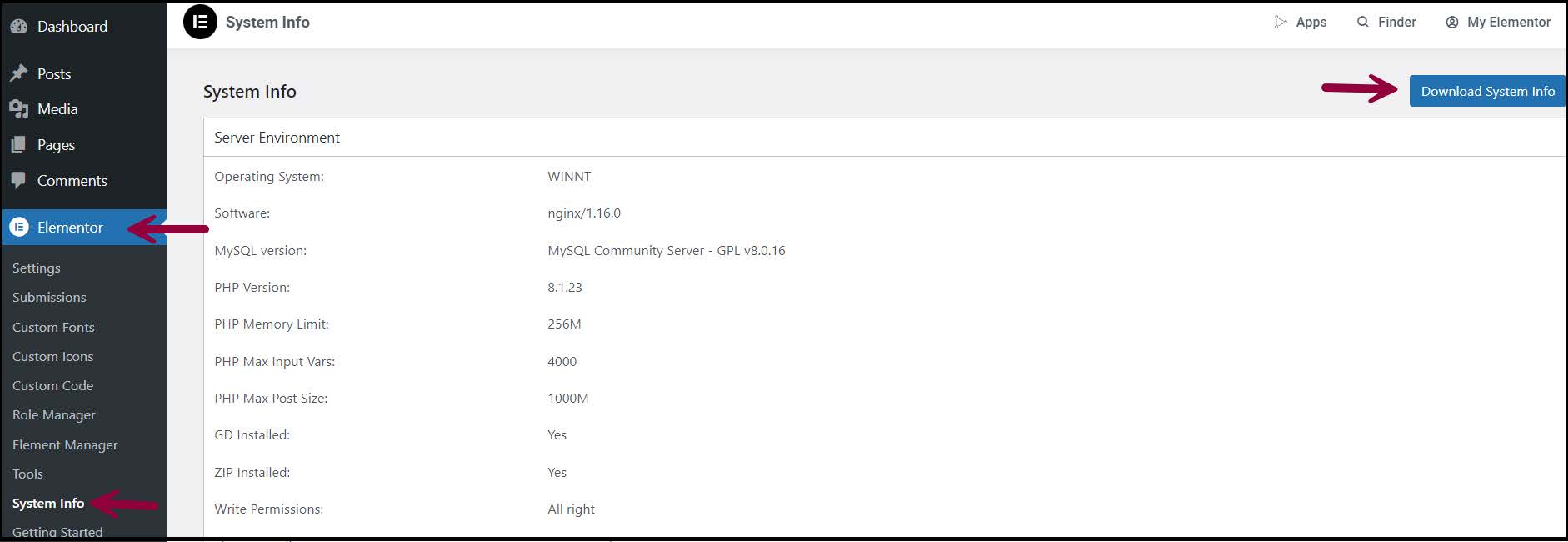
• Send your system info. You can find this in WP Admin >Elementor > System info.